A little play.
A little pause.
Metallic light and mechanical rhythm, right on your screen.
EDC3D is your pocket-sized 3D fidget app.
Made for iPhone and iPad · iOS 15.0 or later
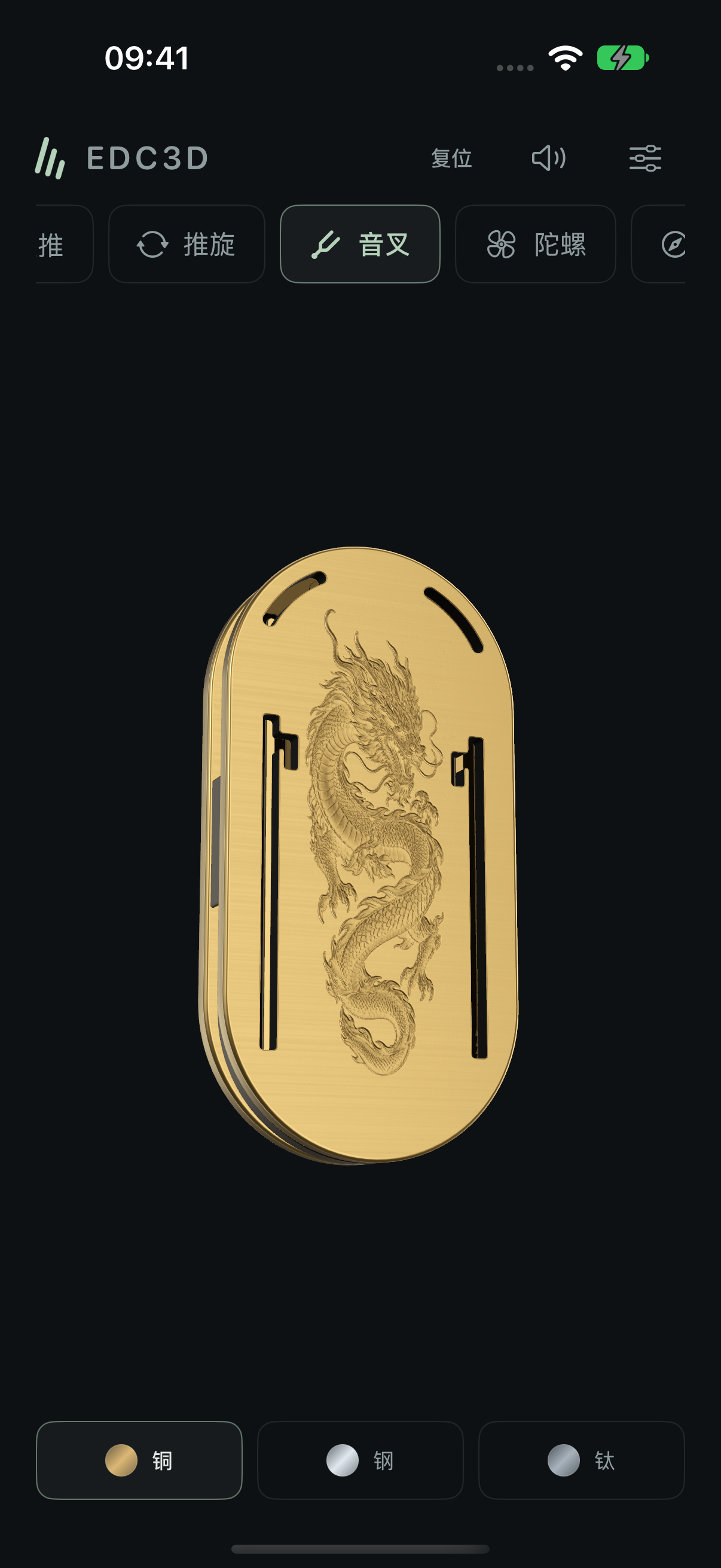
Three-layer tuning fork Brass
Explore the collection.
Your rhythm.
Slide along the rails. Give it a gentle spin.
Find your rhythm in familiar gestures.
Slider
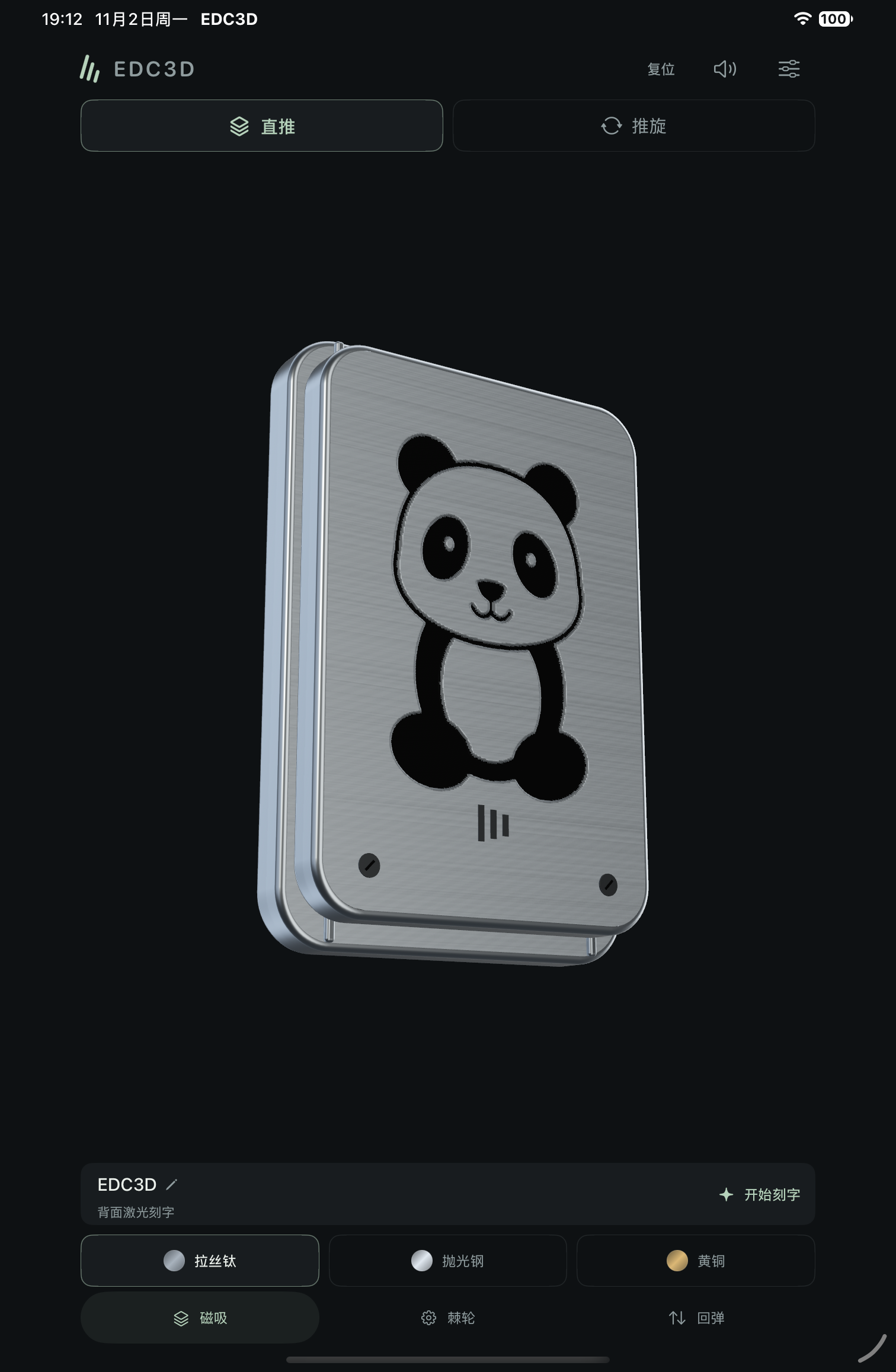
Switch between magnetic, ratchet and spring modes. A panda relief and an independently moving top plate give even the smallest movement a response.
Push & Turn
A rounded, double-layer dragon plate that slides along its rails and spins independently. Move naturally from a push to a turn.
Tuning Fork
Three layers with dragon and phoenix reliefs. Choose five magnetic stops, nine ratchet stops or a spring return. Each contact leaves a bright metallic ring.
Spinner
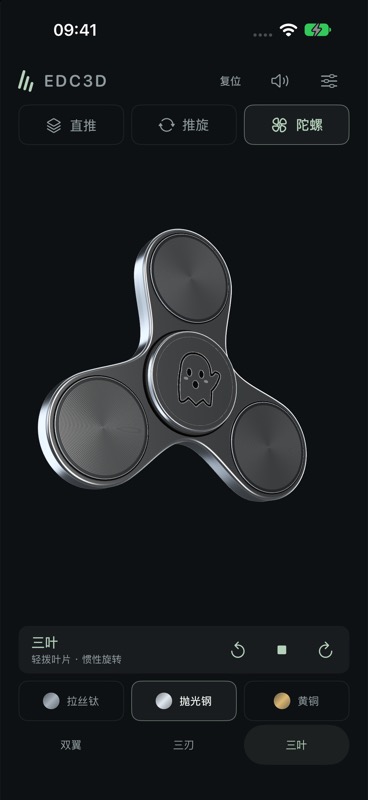
Choose Dual Wing, Tri-Blade or Tri-Lobe. Swipe to spin, flick again in the same direction to accelerate, and hold the outer edge to slow it down.
Compass
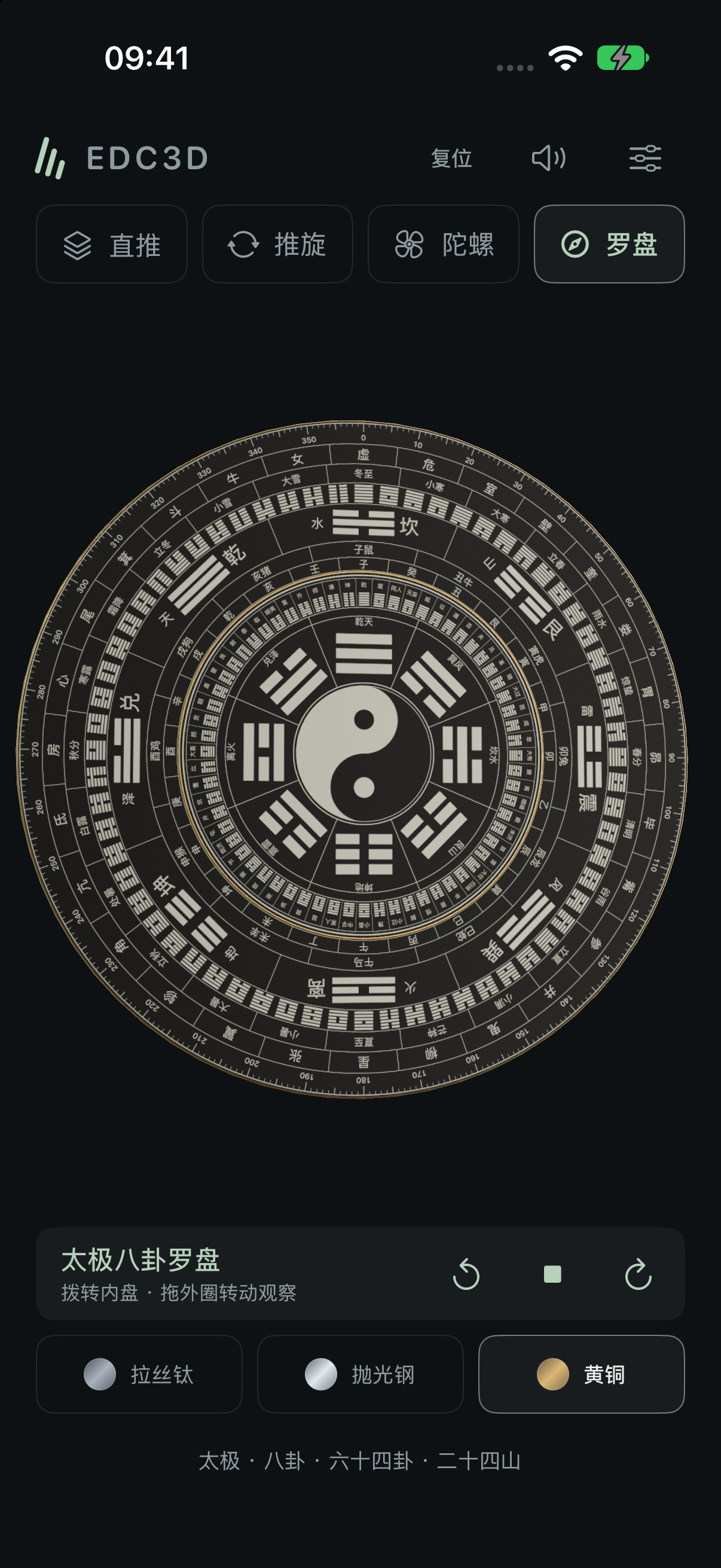
Taiji and Bagua form intricate rings. The inner and outer discs spin independently with inertia, revealing each band of detail as they turn.
See the texture.
Feel the response.
The fine grain of brushed titanium, the cool shine of polished steel, the warmth of brass. Turn the view and watch light skim the bevels. Give it a push, and sound and haptics follow your movement.
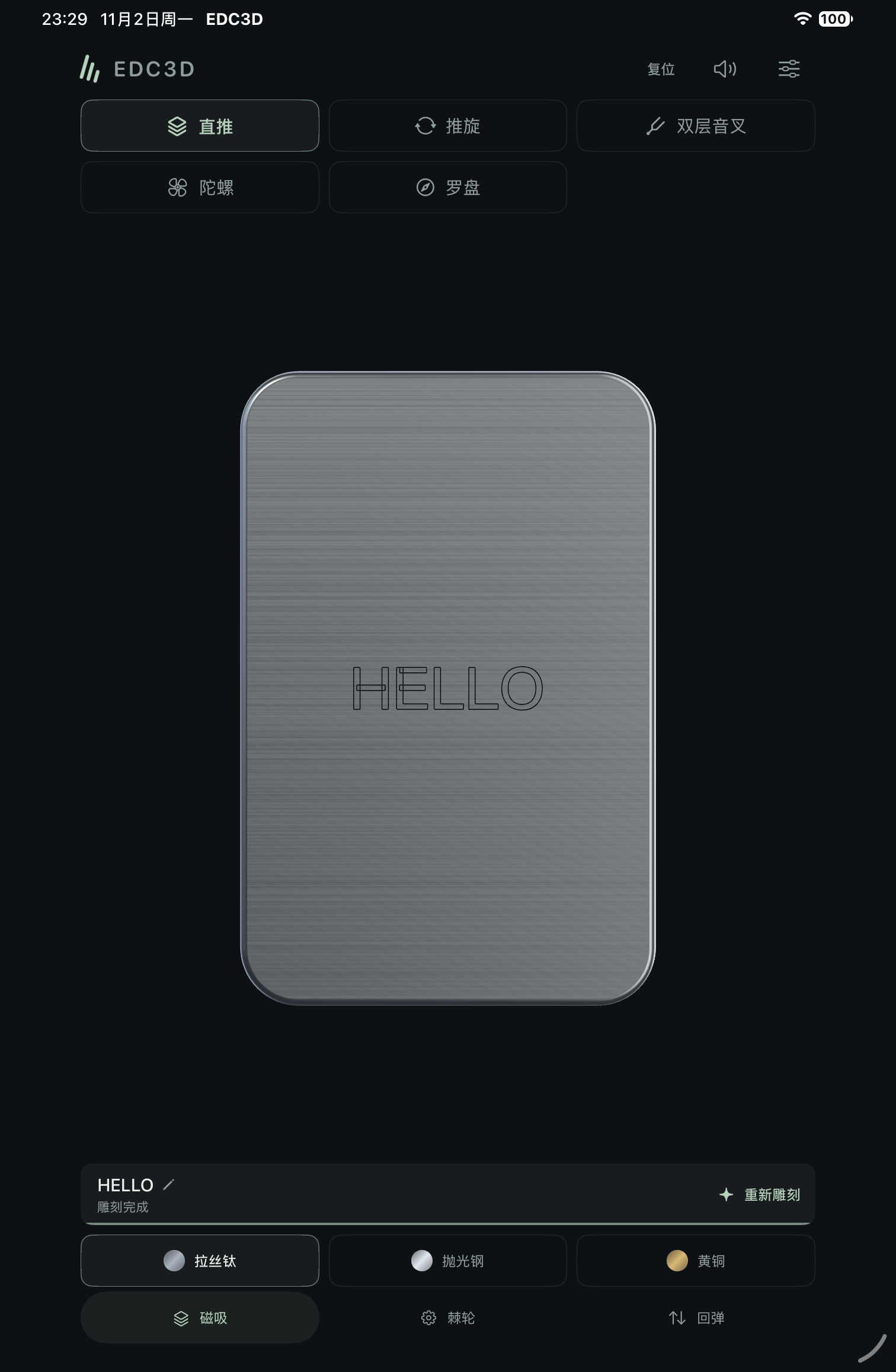
Leave your
own mark.
A favourite phrase. A quick sketch. Turn the Slider or Push & Turn over and make this little object your own.
- Write it or draw itUse up to 24 characters, or draw individual strokes with the brush.
- Arrange it your wayPreview the position and size, then watch the laser trace your design after you confirm.
- There when you returnEngraving, layout and completed progress are saved on your device for each object.
Open anytime.
Play your way.
No account. Core play works offline.
Take a spare moment at your own pace.
Your finish, play mode, sound and haptic preferences, along with text and hand-drawn engravings, stay on your device. The app has no ads or third-party analytics SDKs.
Read the privacy policyAbout the app.
Which devices are supported?
EDC3D supports iPhone with iOS 15.0 or later and iPad with iPadOS 15.0 or later. Haptic availability and the effects you feel depend on your device hardware.
Do I need an account or internet access?
No account is required. Models, materials and sounds come with the app, so core play works offline. Checking prices, making or restoring purchases, visiting the website and sending support email require internet access.
What is free, and how do I unlock everything?
The Slider, its three modes and all three finishes are free forever. Each premium object category offers an optional trial of 60 seconds in total, with the timer paused when you leave the play screen. A single in-app purchase permanently unlocks every object and custom laser engraving, with no subscription. Editing and previewing designs are free. Prices are shown for your App Store region. Restore Purchases is available in app settings and on the purchase screen.
Can I turn off sound and vibration?
Yes. In app settings you can switch sound, laser engraving sound and haptics on or off separately, and adjust volume, haptic strength and surface roughness. Sounds also respect your device's silent mode.
Are custom engravings saved?
Yes. The Slider and Push & Turn each save their own text, drawings, position, size and actual engraving progress. The next time you open the app, the engraving appears without automatically replaying the laser. Removing the app may delete local data, so check your system backup settings.
Can I use the Compass for navigation?
The Compass is a virtual object for viewing and spinning, with Taiji and Bagua patterns. It does not measure real directions or provide navigation.
How do I report a problem or share an idea?
Email zpf772593693@gmail.com. For a bug report, include your device model, system version, app version and steps to reproduce it. Hide personal information before sending screenshots.
Help shape
the next feel.
Get support, suggest a feature, or tell us about your favourite EDC.